
Disclaimer: The information provided in this blog is for general informational purposes only and does not constitute legal, tax, or accounting advice. Nothing on this site should be relied upon as a substitute for professional advice from a licensed attorney, CPA, or financial advisor. Please consult a qualified professional before making any financial or legal decisions.
This list is for the owner or freelancer who wants clean, accurate books without paying for features they will never open. Each tool was judged on true cost after add-ons, the quality of its bank feeds and reconciliation, invoicing, reporting, and how easily the books can be handed to an accountant at year end. Plan names, prices and free-tier limits change often, so everything below reflects what was true as of October 2026, and you should confirm details on each vendor's official pricing page before you commit.
Quick Comparison of the Seven Tools
- Wave: freelancers with simple books and a near-zero budget; free to start; a usable free core with double-entry accounting and invoicing.
- Zoho Books: businesses already using Zoho apps; free plan for very small businesses (verify the cap); native connection to the wider Zoho suite.
- QuickBooks Online: businesses working with an outside bookkeeper or CPA; subscription by tier (see website); the widest accountant familiarity.
- Xero: small teams where several people need access; subscription by tier (see website); unlimited users on every plan.
- FreshBooks: consultants and agencies billing by hour or project; subscription tiered by billable clients (see website); client-facing billing and time-tracking workflow.
- Akaunting: technically comfortable owners who want control; free when self-hosted (see website for cloud); an open-source core you can host and modify.
- GnuCash: hands-on owners who want no recurring fee; free; no subscription and a data file stored entirely on your own machine.
Bookkeeping Versus Accounting Software, and What "Affordable" Really Means
Bookkeeping is the day-to-day record: logging income and expenses, categorizing transactions, and matching your records to your bank. Accounting software wraps that record in invoicing, reporting and tax-ready summaries. Most tools here do both, which is why the terms get used interchangeably.
Two terms matter when comparing them. A bank feed is a live connection that pulls transactions from your bank or card into the software. Reconciliation is the step where you confirm that the software's balance matches your bank statement. Weak feeds mean more manual entry and more errors, which costs time even when the software is free.
Judge affordability by total cost, not sticker price. Free plans are often funded by payment processing fees, so "free" is not the same as "no cost." The cheapest tier may also cap invoices, bills, users or bank transactions, pushing you to a higher plan once you grow. Add in payroll, extra users and the hours an accountant spends cleaning up messy books, and the real monthly figure can differ a lot from the headline price.
1. Wave
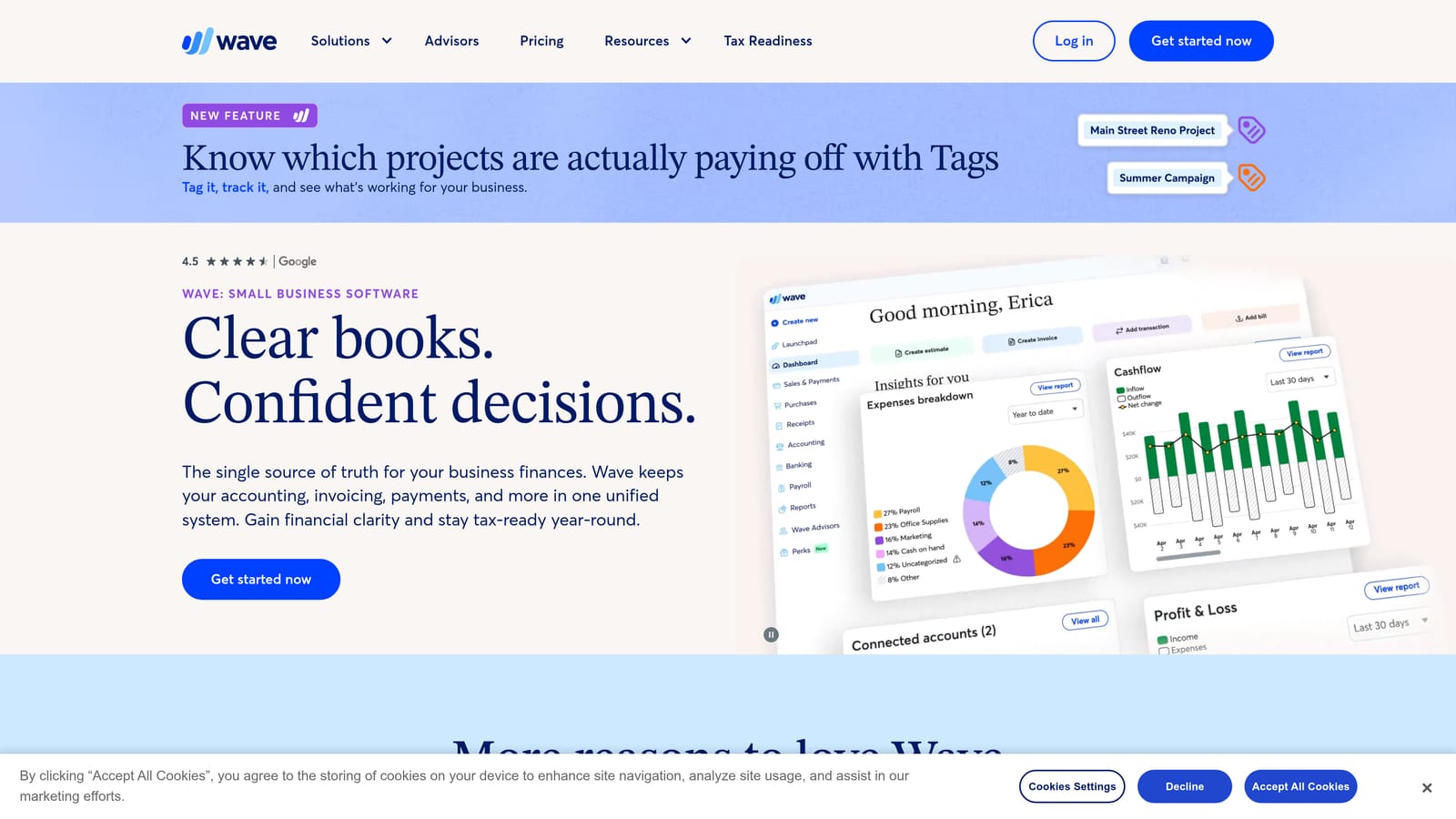
Wave is free-to-start accounting and invoicing software aimed at freelancers and very small service businesses. What sets it apart on this list is that the free core is genuinely usable: you get real double-entry accounting and professional invoicing without a monthly subscription, which is rare even among tools that advertise a free plan.
Its main features:
- Double-entry accounting, so your books follow the same structure an accountant expects.
- Invoicing that lets you bill clients and track what is outstanding.
- Receipt scanning that turns paper receipts into expense records.
- Bank connections that import transactions for categorizing and reconciling.
- Optional payments and payroll for owners who want to collect and pay through the same system.
Payment processing is built in, and Zapier covers lightweight automation with other apps. Setup is quick and a solo owner can run it alone, with no bookkeeping background beyond basic categorizing.
The limits are plain. Wave has no inventory tracking and offers limited customization, so it is a poor fit for product businesses that need to track stock or cost of goods. Teams that want deep reporting or complex workflows will outgrow it.
On pricing, the core tier is free. Paid tiers exist, and processing fees apply when clients pay invoices or when you use payments and payroll, so those fees are the real cost to watch. See the website for current tiers and rates as of October 2026.
Best for: Freelancers with simple books and a near-zero software budget.
2. Zoho Books
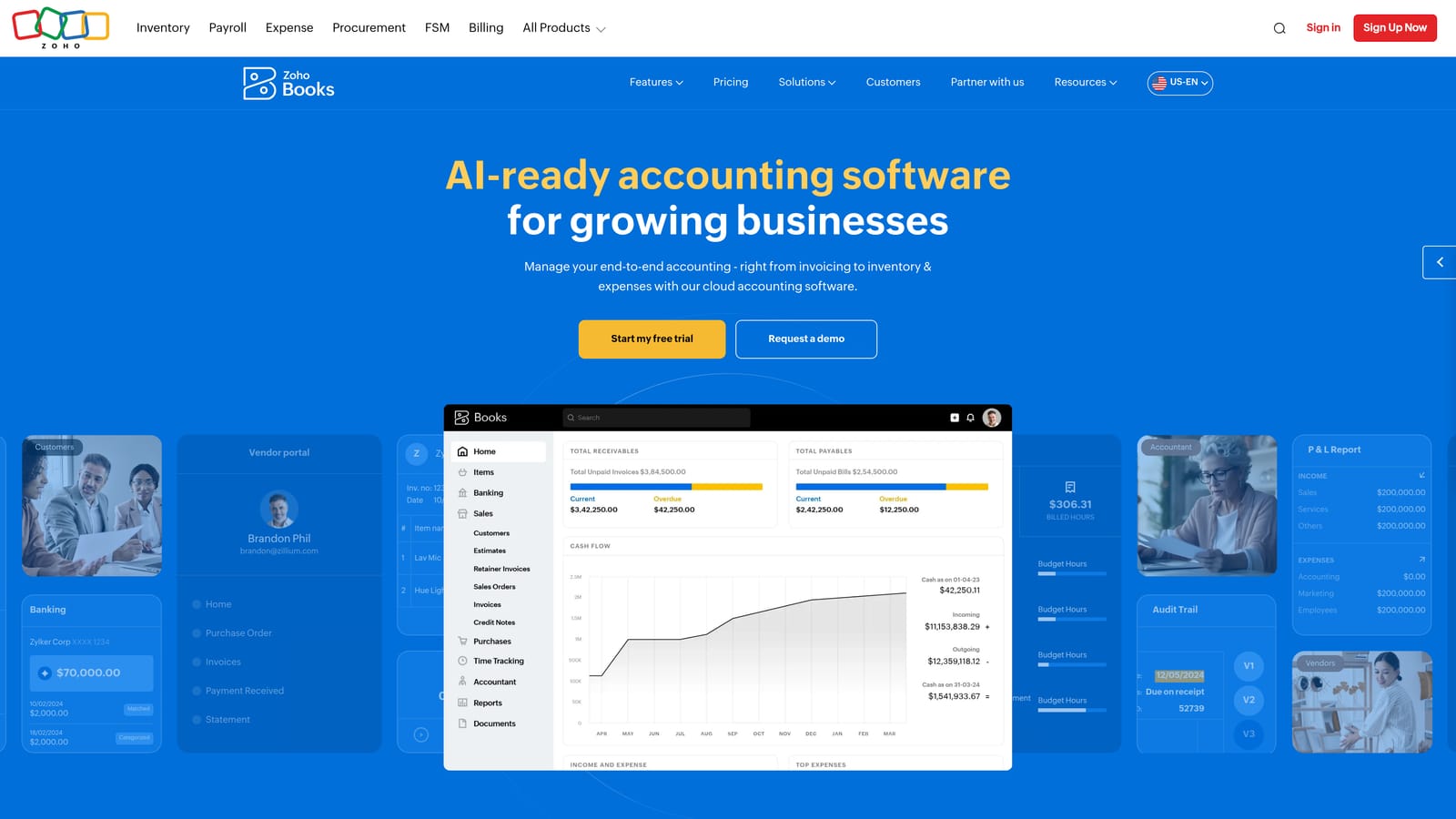
Zoho Books is cloud accounting with a free plan for very small businesses and affordable paid tiers. Its distinguishing strength is the native connection to the wider Zoho suite: if your sales, support or projects already run in Zoho apps, your accounting sits in the same ecosystem rather than relying on a patchwork of connectors.
What you get
- Invoicing and bills, so receivables and payables live in one place.
- Bank reconciliation to match your records to your statements.
- Project time tracking, useful if you bill for hours.
- Purchase orders for businesses that buy from suppliers.
- Workflow automation that handles repeat tasks such as reminders and approvals.
Integrations and day-to-day use
Beyond Zoho CRM and other Zoho apps, it connects to Stripe, PayPal and Zapier. Setup is manageable, but the interface is dense, and a new user will spend longer learning where things live than they would in simpler tools. A non-specialist owner can run it, though someone comfortable with software will get more from it.
Limitations and pricing
The interface is busy, and the US accountant network is smaller than QuickBooks or Xero, which can matter when you need to hand off your books. There is a free plan with a revenue cap, so verify that cap against your own income before relying on it. Paid plans are charged per month and step up by tier. See the website for current limits and prices as of October 2026.
Best for: Businesses already running Zoho apps.
3. QuickBooks Online
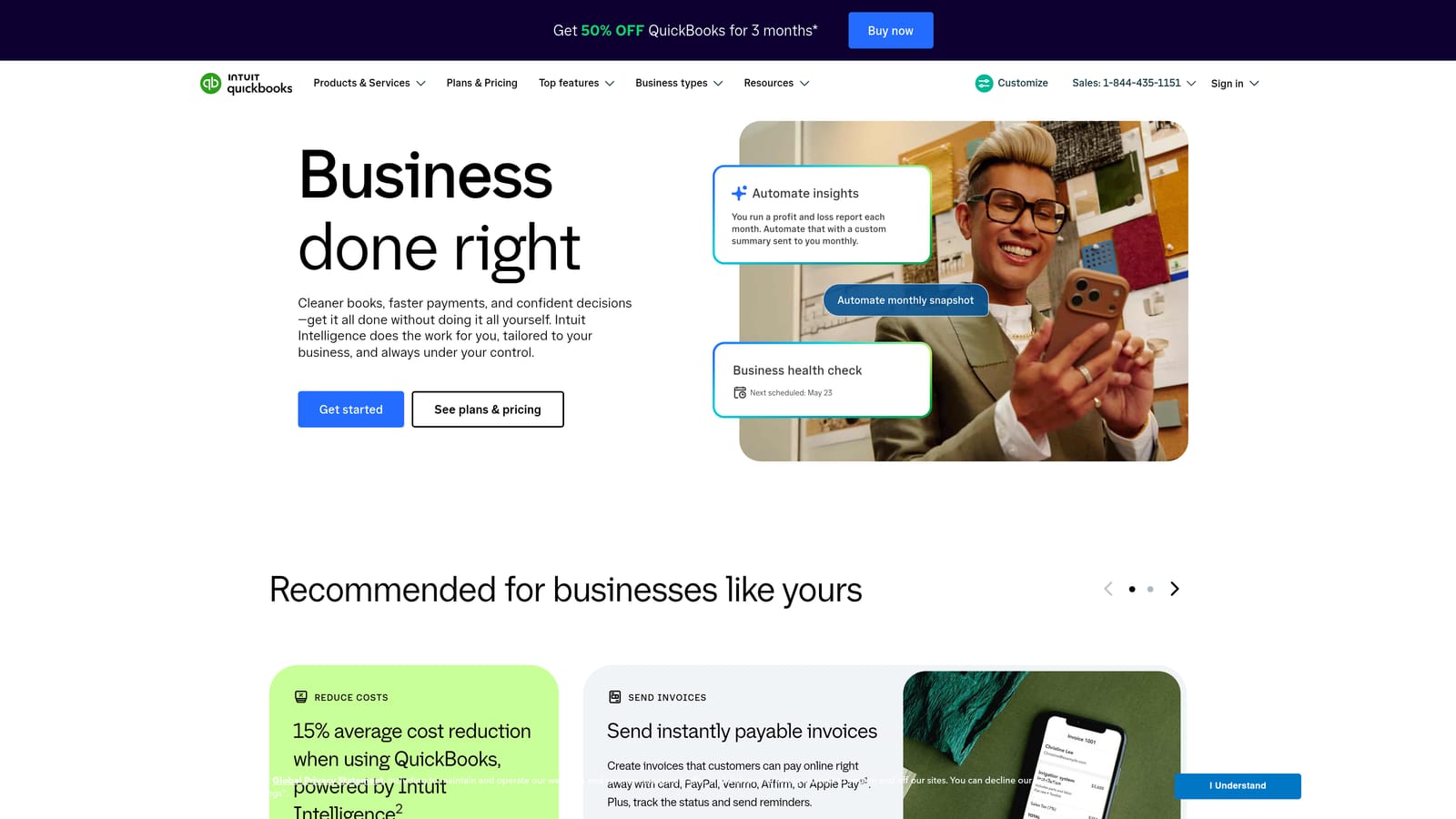
QuickBooks Online is the most widely used small-business accounting platform in the US, sold in tiered plans with optional payroll. Its standout advantage is familiarity: more accountants and bookkeepers know it than any other product here, which lowers the friction and cost of getting help.
It is not the cheapest option for a solo operator, and that is its main limitation. Costs climb quickly as you move up tiers or add users, and add-ons like payroll increase the monthly bill further. If you only need basic invoicing and expense tracking, you may be paying for more than you use.
- Bank feeds and rules that categorize recurring transactions automatically, cutting manual work each month.
- Invoicing to bill clients and follow up on unpaid balances.
- Sales tax tracking that helps you see what you have collected.
- Reports covering profit and loss, balance sheet and more, ready to share with an accountant.
- A payroll add-on so wages and accounting live together, at extra cost.
It integrates with Shopify, PayPal, Square, Stripe and Gusto, so it suits businesses that sell online or take card payments. Setup is straightforward, and an owner can run it day to day, though many hand the monthly reconciliation to an outside bookkeeper.
Pricing is a monthly subscription by tier, and promotions are frequent, so the price you see at signup may differ from the renewal price. Check the renewal cost and the cost of each add-on on the website as of October 2026.
Best for: Businesses that will work with an outside bookkeeper or CPA.
4. Xero
Xero is cloud accounting with unlimited users on every plan and a large app marketplace. That user policy is its clearest distinction: you do not pay more to give your manager, bookkeeper and advisor their own logins, which is a real saving compared with tools that charge per seat.
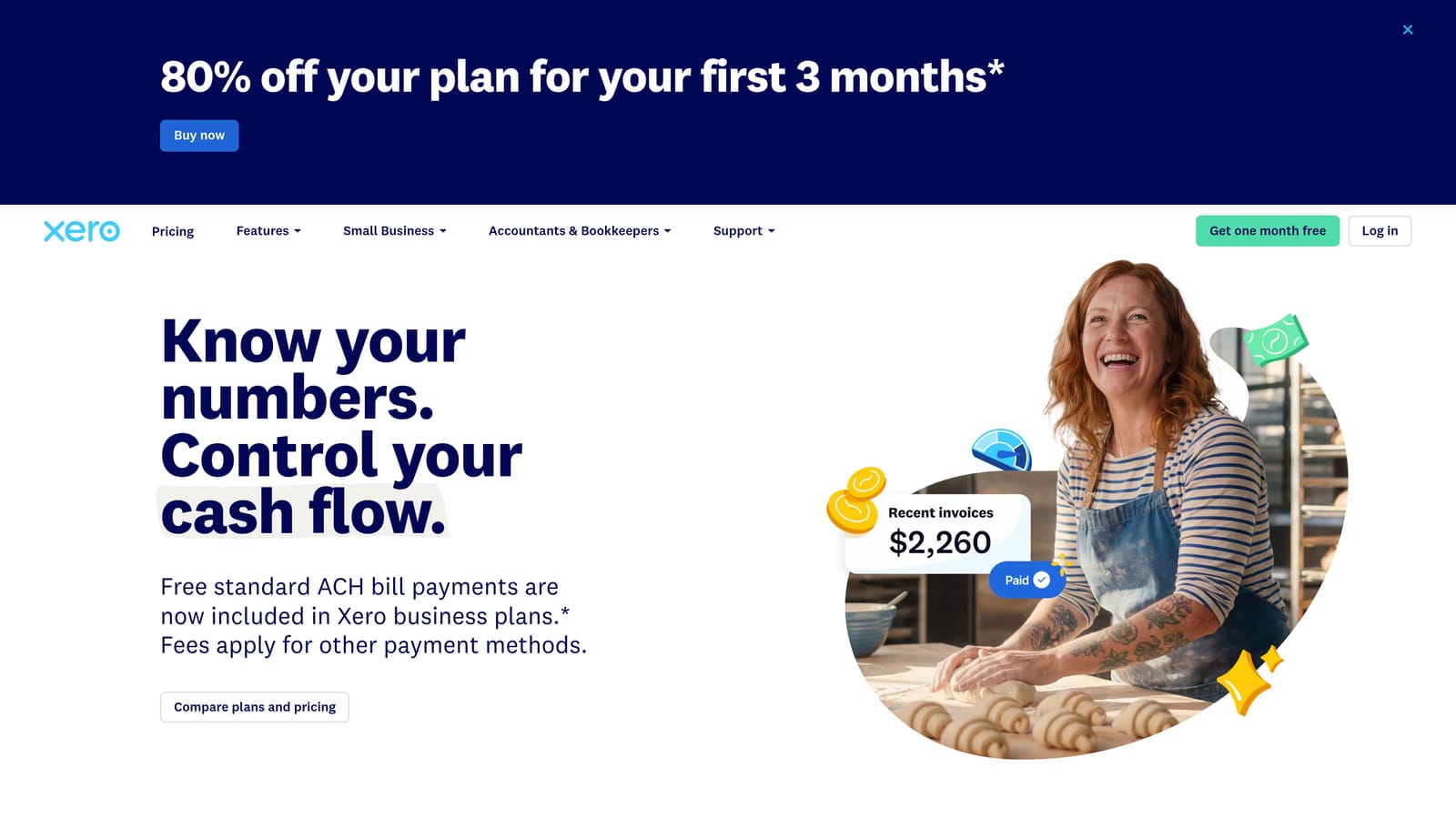
Be careful with the entry plan. It caps invoices, bills or bank transactions, so a busy business can hit the ceiling and need to upgrade sooner than expected. Payroll in the US runs through partners rather than a built-in product, so factor in that separate cost.
- Unlimited users, so everyone who needs access gets it at no extra seat cost.
- Bank reconciliation that speeds up matching transactions to your records.
- Invoicing and bills to manage money in and out.
- Multi-currency on higher plans, helpful if you invoice abroad.
- Reporting that gives a clear view of cash and profit.
Integrations include Stripe, Gusto and PayPal, plus the broad marketplace for niche needs. Setup is moderate: an owner can get going alone, and the team-friendly access suits a shared workflow between owner and bookkeeper.
Pricing is a monthly subscription by tier. The tier you need depends mainly on how many invoices, bills and bank transactions you handle. See the website for current plans as of October 2026.
Best for: Small teams where owner, manager and bookkeeper all need access.
5. FreshBooks
FreshBooks is invoicing-centered accounting software for service professionals who bill clients by time or project. Where it differs from the rest is the client-facing side: the billing and time-tracking workflow is built around how consultants actually get paid, with a polished experience for the people receiving your invoices.
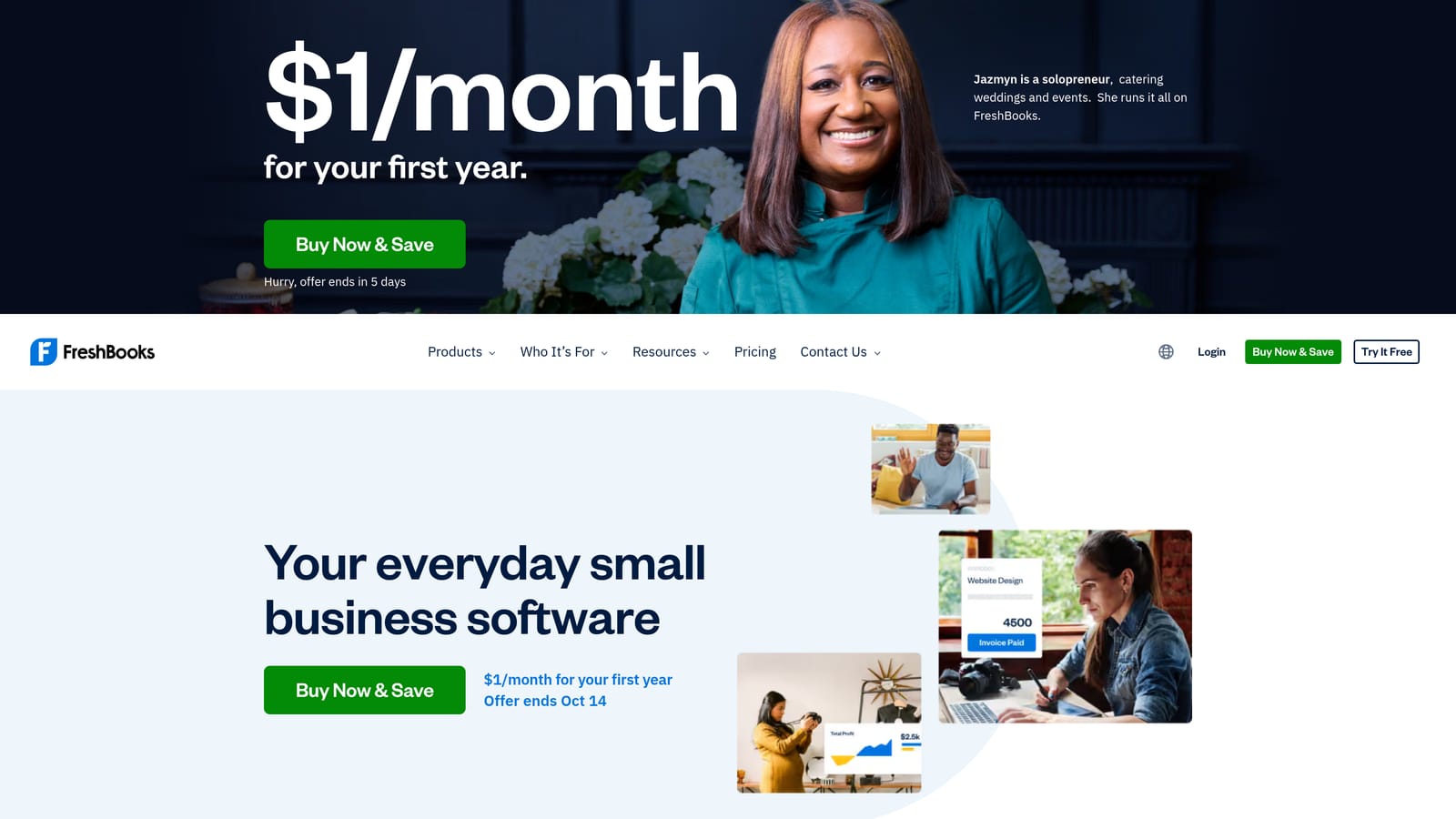
The tradeoff is how pricing and scope work. Plans are tiered by the number of billable clients, so a growing client list pushes the price up. Inventory support is light, so it does not suit product businesses.
- Professional invoicing that makes your billing look polished and gets you paid faster.
- Time tracking that turns hours worked into billable line items.
- Expense capture to log costs against clients and projects.
- Proposals so you can pitch and then convert the work into an invoice.
- A client portal where customers can view and pay what they owe.
It connects with Stripe, PayPal, Gusto and Zapier. Setup is simple and a non-accountant can run it alone, which is part of its appeal for solo consultants and small agencies.
Pricing is a monthly subscription tiered by billable clients, so the number of clients you invoice is what moves the price. Check the website for current tiers as of October 2026, and count your active clients before choosing a plan.
Best for: Consultants and agencies that bill by the hour or project.
6. Akaunting
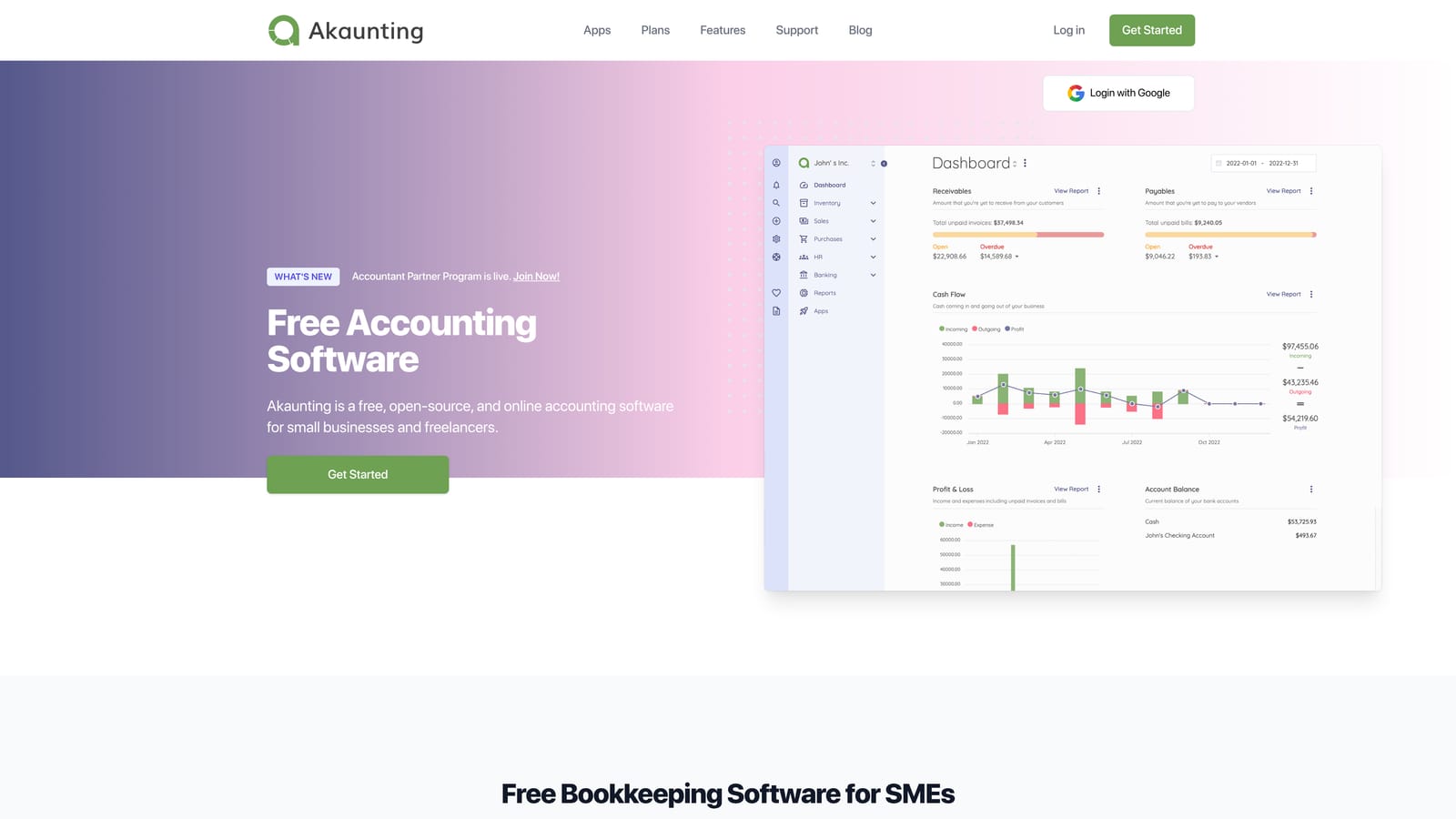
Akaunting is open-source accounting that you can host yourself, with paid apps and a cloud option. Its distinguishing feature is the open-source core: you can run it on your own server and modify it, so you control both your data and your costs in a way no subscription product allows.
Where it fits
- Invoicing and bills for the core receivables and payables cycle.
- Multi-currency support for businesses that deal across borders.
- Expense tracking to keep spending visible.
- Modular apps so you add only the functionality you need.
- Self-hosting for full control over where your data lives.
Effort, limits and cost
Integrations come through app store modules and payment gateways. Setup demands technical comfort: someone has to install, host, update and back up the system, and that someone is usually you or a developer you pay. Bank connections are fewer and less polished than in the big cloud products, so expect more manual import work and reconciliation.
Pricing is free for the self-hosted open-source core. Paid apps and cloud plans add cost, and the hosting and your own time are real expenses even when the software is free. See the website for current cloud pricing as of October 2026.
Best for: Technically comfortable owners who want control over their data and costs.
7. GnuCash
GnuCash is free, open-source desktop double-entry accounting software. It stands apart because there is no subscription at all and the data file stays entirely on your own computer, so you pay nothing recurring and nobody else holds your records.
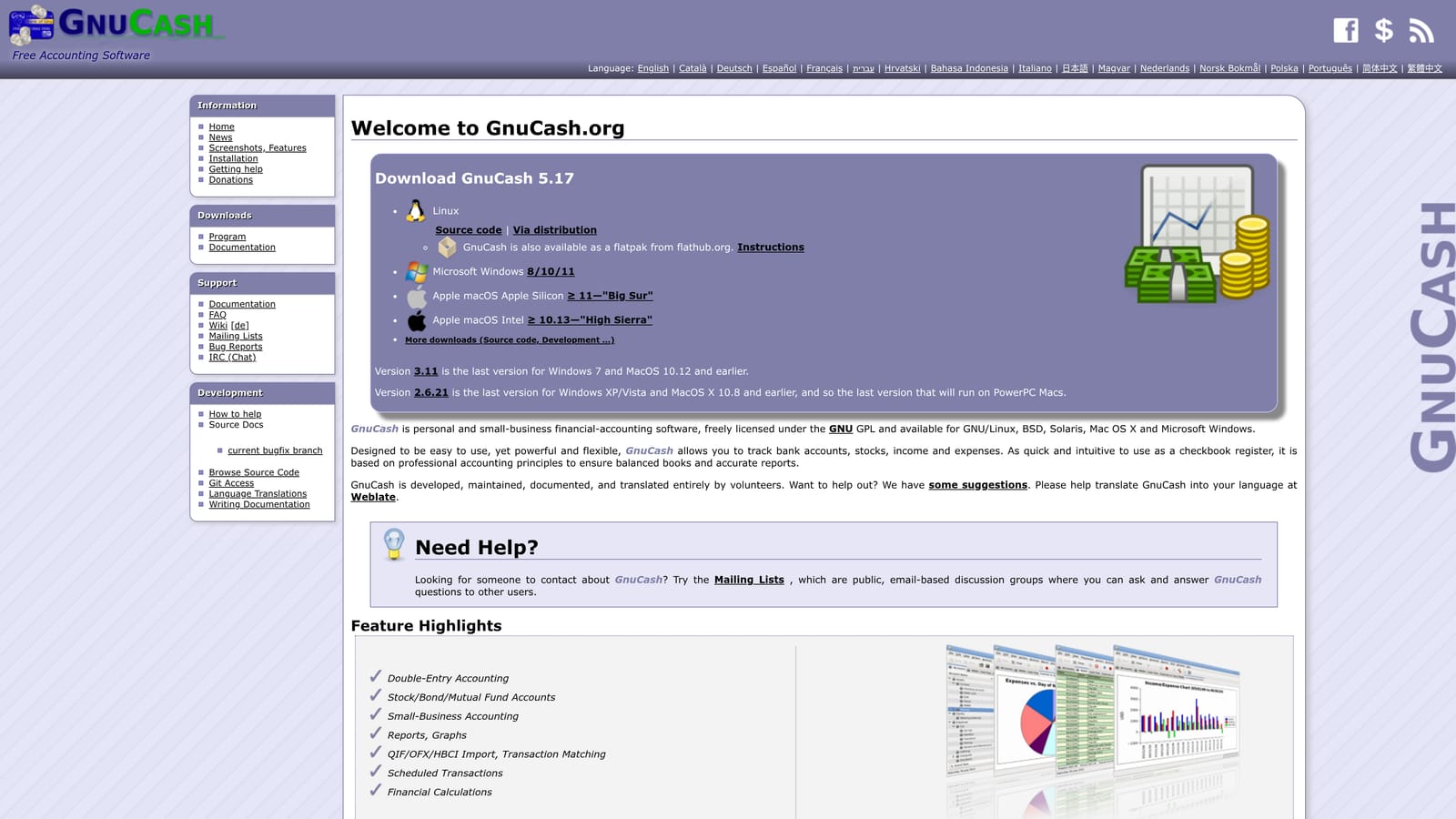
The costs are in convenience. There are no automatic bank feeds, the interface looks dated, and there is no cloud collaboration, so sharing the books with an accountant means sending files rather than granting a login. It is a poor fit for teams or anyone who wants transactions to appear on their own.
- A double-entry ledger that keeps your books structurally sound.
- Imports of OFX, QIF and CSV files, so you can bring in bank data manually.
- Scheduled transactions that handle recurring bills and income.
- Reports that summarize your finances for review.
- Invoicing and bills for basic customer and vendor tracking.
Bank data comes in through file-based imports rather than live connections, so there is little to integrate. Setup is a one-time effort, and the owner runs it day to day, with more hands-on categorizing and reconciling each month than with cloud tools.
Pricing is simply free, with no tiers and nothing that scales with users or volume. The real cost is your time, so weigh that against a paid tool if you process many transactions.
Best for: Hands-on owners who want a one-time setup with no recurring fee.
Matching the Right Tool to Your Situation
Three picks cover most situations. Wave suits a freelancer with simple books and no appetite for a monthly bill. QuickBooks Online makes sense once an outside bookkeeper or CPA is involved, because their familiarity can save more than the subscription costs. Xero fits a growing team, since unlimited users keep seat costs flat as more people need access.
For a service business that bills by time, FreshBooks fits the workflow. If you already live in Zoho apps, Zoho Books is the natural choice. If you are technically comfortable or want a budget of zero, Akaunting and GnuCash trade your time for savings.
Before you commit, compare the real monthly cost after add-ons: payment processing fees, payroll, extra users, and any plan upgrade triggered by invoice or transaction caps. Confirm current prices and limits on each vendor's pricing page, since they change often. Software also does not replace tax advice, so take tax questions to a licensed CPA.
Schedule a call and discover how we can help your business grow.